Quick Start: sign-up to first lead in a day
This page is a checklist. Each step links to the chapter that explains it in full. Set aside about two hours spread across the day. Tick things off as you go.
🧭 Already selling on Amazon.co.uk? If your seller account is live on the Professional plan, skip "Before day one" and start at Step 1. For the full ArbiSource set-up, go straight to 4.1 Choosing your ArbiSource plan, 4.2 Signing up and connecting Amazon, 4.3 Settings and 4.4 The Vault.
New to Amazon? Start with Part 1 and come back here once your seller account is approved.
Before day one
- Your Amazon.co.uk seller account is live on the Professional plan. Not there yet? See 3.2 Registering and getting verified.
- You know whether you're trading as a sole trader or a limited company. Either is fine for starting out. See Your business.
- You know whether you're VAT registered. Most beginners aren't. It matters for one setting in step 4.
Step 1: Choose a plan and start your free trial (10 minutes)
- Go to arbisource.com and start the 7-day free trial.
- Choose the UK marketplace, then click Authorise with Amazon >> and approve the connection with your Amazon.co.uk seller account (Step 2 has tips if it doesn't work straight away).
- Pick a plan. Not sure? See Choosing your ArbiSource plan and the Compare Features table on the pricing page. You can upgrade during the trial and keep everything you've set up.
- Choose monthly or annual billing now. Annual gets you 2 months free, and is charged in full when the trial ends.
Step 2: Connect your Amazon account (5 minutes)
- Check that the Amazon Authorisation panel on your Account page shows Authorised. (You connect your Amazon.co.uk seller account during sign-up, before choosing your plan.) See Signing up and connecting Amazon.
- If nothing appears straight away, log out and back in, or give it a little time to sync. Brand-new seller account? Amazon can take up to 5 days to let third-party tools like ArbiSource connect, so if things don't work straight away, give it up to 5 days.
Step 3: Take the welcome tour (15 minutes)
- Work through the in-app welcome guide. You're taken there automatically when you join, and you can return any time at app.arbisource.com/welcome. It shows every feature with a short video guide.
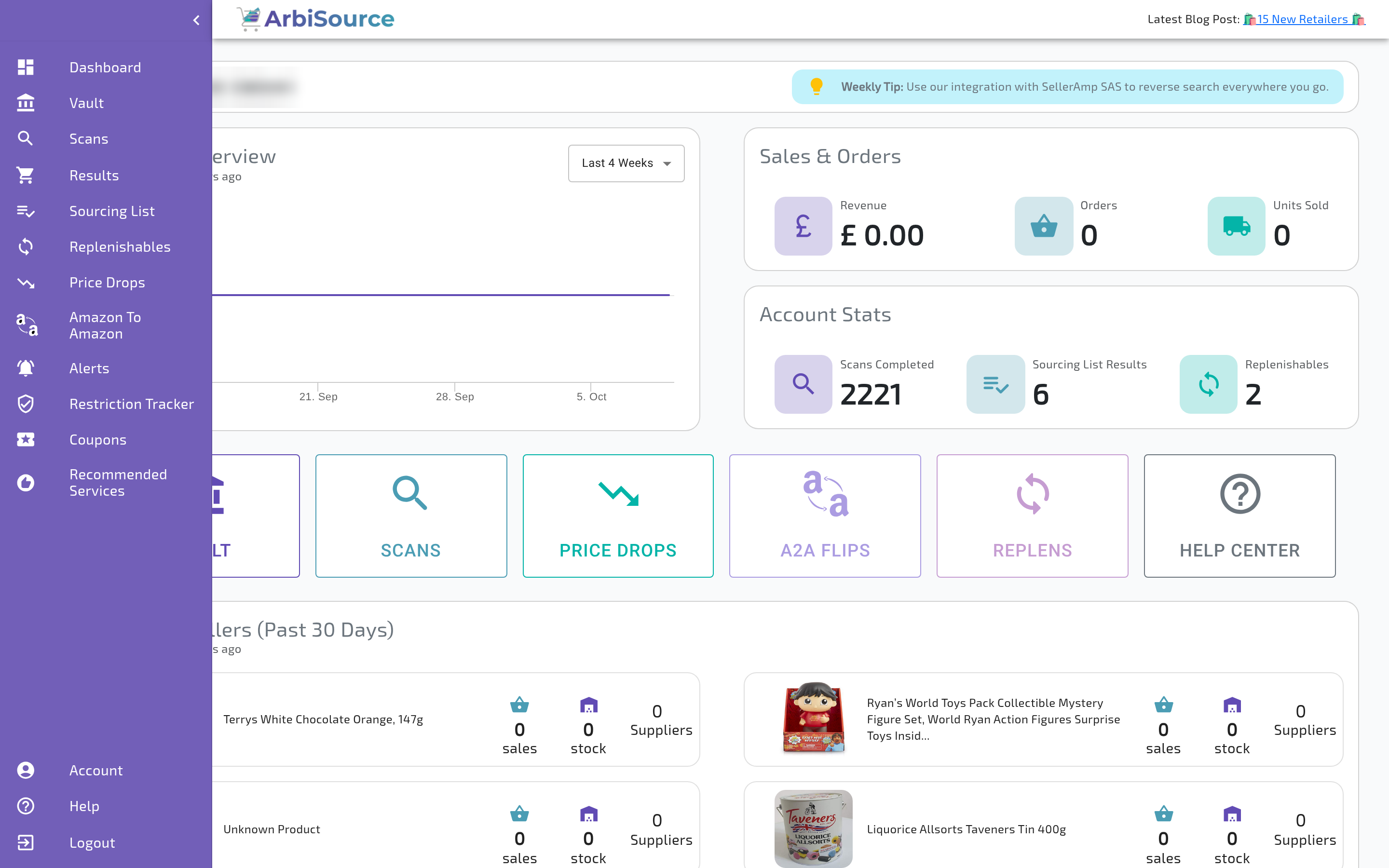
- Find the main areas in the sidebar: Vault, Price Drops, Scans, Results, Sourcing List, Account and Help.
Step 4: Get the numbers right (15 minutes)
On the Account page (bottom of the sidebar):
- VAT Status (Settings tab): choose Not VAT Registered or VAT registered.
- Additional Costs (Settings tab): optional. Leave them for now and add them once you know your real costs.
- Deal Score Settings tab: leave the scores on the defaults for now.
- Global Filters tab: set broad starter filters. Start wide and narrow down later.
- Custom buttons (from the Results page): add a Keepa button so you can open any product's price history in one click.
Full walkthrough: Settings that make the numbers right.
Step 5: Browse the Vault (30 minutes)
- Open the Vault. It holds results ArbiSource has already found, so there's no waiting.
- Browse by store, Amazon category or keyword.
- Click Check Restrictions to see which products you're allowed to sell.
- Add 5–10 interesting results to your Sourcing List.
See Your first look at the Vault.
Step 6: Run your first Lead Check (30 minutes)
For each lead on your Sourcing List, ask the four Lead Check questions:
| Question | Ask yourself |
|---|---|
| Match | Is the retailer's product exactly the same as the Amazon listing (pack size, variation, edition)? |
| Money | Is it still profitable after every fee and cost, at the average selling price rather than today's peak? |
| Momentum | Does it sell steadily, and has its price held up over the last few months? |
| Safety | Am I allowed to sell it, and am I comfortable with the brand and the product type? |
Rate each one green, amber or red. All green: Buy. One amber: Test-buy a small quantity. Two or more ambers: Watch it on your Sourcing List. Any red: Pass.
Use your 7-day trial for real. Aim to find a few good leads and place at least one Test-buy (a small quantity) before the trial ends, so you've used ArbiSource to source and buy, not just to browse. Keep your first orders small while you learn. The full method is in Part 5, The Lead Check, and buying is covered in Chapter 25.
Before your trial ends
- Place at least one Test-buy from a lead that passed your Lead Check, and log it in your purchase log.
- Decide which plan you're keeping, and whether you want monthly or annual billing.
- If you're not continuing, cancel from your Account page before the trial ends. Subscription payments are non-refundable once taken.