Chapter 25: Placing your first order
What you'll learn: how to buy your first products with confidence, how to use discount codes and cashback, and how to log the purchase so your records stay tidy from day one.
Ready to order?
You've already done the hard work in the Lead Check (Part 5). Before you place the order, take one last look:
- Confirm the match. Check pack size, variation, edition and the retailer's product page against the Amazon listing. Multipacks and "similar but not the same" products are the usual traps (Chapter 19).
- Confirm you can sell it. Run a restriction check if you haven't already (Chapter 22).
- Confirm the numbers at today's prices. Open the retailer and Amazon pages. Prices move. Use the average sell price for your decision, not a short spike (Chapter 7).
- Decide the quantity. For a Test-buy, start with a small number of units: enough to learn the process and see how the product sells, without tying up too much cash.
Discount codes and cashback
When you run a Store Scan you can enter a Discount percentage for a retailer, such as a code you'll use (Chapter 12). Scan prices don't include cashback: the CASHBACK/COUPONS button lists the cashback sites available for each retailer, and many results show a cashback button where a site is available.
Use them carefully:
- Only enter savings you'll actually get. If a code needs a minimum spend, excludes some brands or is first-order only, allow for that.
- Cashback can be delayed, declined or capped. Keep a note of what you're expecting so you can see when it arrives (Chapter 7).
How to place the order
- Buy in your business name, and use your business address for delivery. Match the name and address in Seller Central (Chapter 23).
- Pay by card or bank transfer, so your statement backs up the purchase.
- Choose delivery that gets the stock to you promptly. Factor the delivery charge into what you paid.
- Save the order confirmation as a PDF the moment it arrives, and photograph any till receipt the same day.
- Ask for a VAT invoice where the retailer offers one. It's a useful extra record.
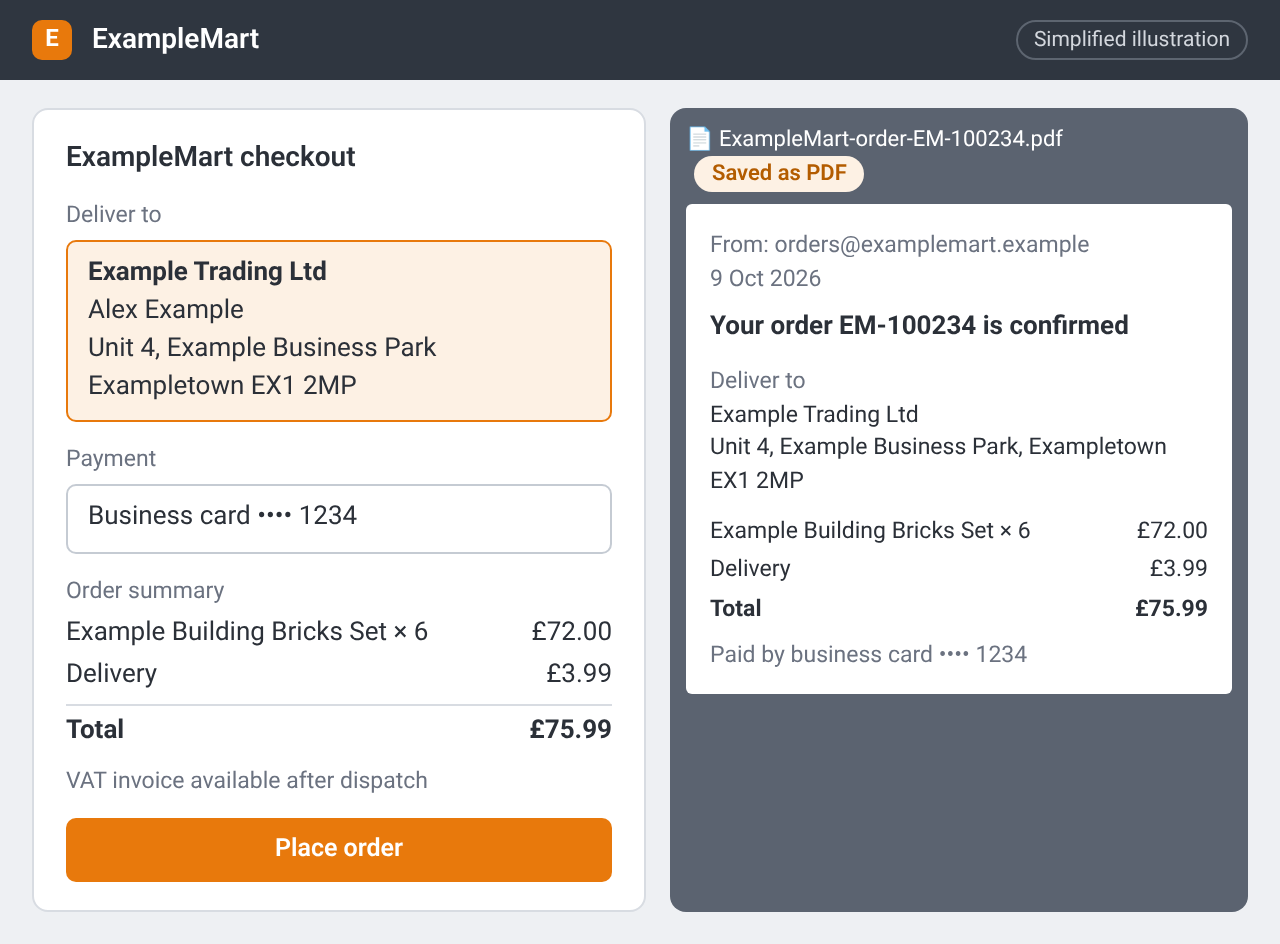
A checkout at ExampleMart (a made-up retailer) delivering to your business address, beside the order confirmation email saved as a PDF for your records. Simplified illustration – the real screen may look different.
Log it straight away
Add the purchase to your purchase log while the details are fresh (Chapter 23). A template is in Downloads:
| Column | Example |
|---|---|
| Date | The order date |
| Retailer | The shop or website |
| Product | Short name as on the listing |
| ASIN | The Amazon ASIN |
| Quantity | How many you bought |
| Price paid | Total including delivery, after any discount code |
| Saved file | Folder and filename for the receipt or confirmation |
When the stock later goes into a shipment, add the shipment ID to the same row. That link makes any later question about the product quick to answer.
From ArbiSource: keep the lead on your Sourcing List so prices stay refreshed, and export the list as a CSV when you want an offline copy (exports are included from the Pro plan).
Checklist
- I've confirmed the match, the restriction status and today's numbers
- I've chosen a sensible first quantity (small for a Test-buy)
- I've bought in my business name and paid by card or bank transfer
- I've saved the confirmation and logged the purchase