Chapter 3.2: Registering and getting verified
This page covers what to have ready, the registration steps and how verification works, so your application goes through first time.
Amazon's own step-by-step guide is here: Amazon UK registration guide.
Have these ready before you start
Everyone
- A valid passport or driving licence
- A proof of address, such as a bank statement or utility bill, dated within the last 180 days, in the same name and at the same address you'll enter. It can't be handwritten or a screenshot (Amazon UK verification guide)
- A credit or debit card that can be charged (for your monthly plan)
- A bank account for your payouts (in the company's name if you're a limited company)
- A mobile phone number
Limited companies, additionally
- Company registration number
- Registered company name and address, exactly as shown at Companies House
Make every detail match your documents.
Your name, address and business details should be written exactly as they appear on your documents. Most delays come from small mismatches, such as a missing flat number or an abbreviated street name.
The registration steps
- Go to sell.amazon.co.uk and choose to sign up.
- Sign in or create an Amazon account for your business. You'll set up two-step verification to protect it.
- Enter your business details: your business location and type (individual/sole trader or company), name and address.
- Add the primary contact person. That's you, with details matching your ID.
- Add your payment card for the monthly plan.
- Choose your store name. It must be unique, and you can change it later.
- Upload your identity documents (ID and proof of address).
- Verify your identity on a video call with an Amazon associate. You'll book a slot and show your ID on camera.
- Wait for approval. Some accounts are approved the same day; others wait a few days, especially if Amazon asks for more information.
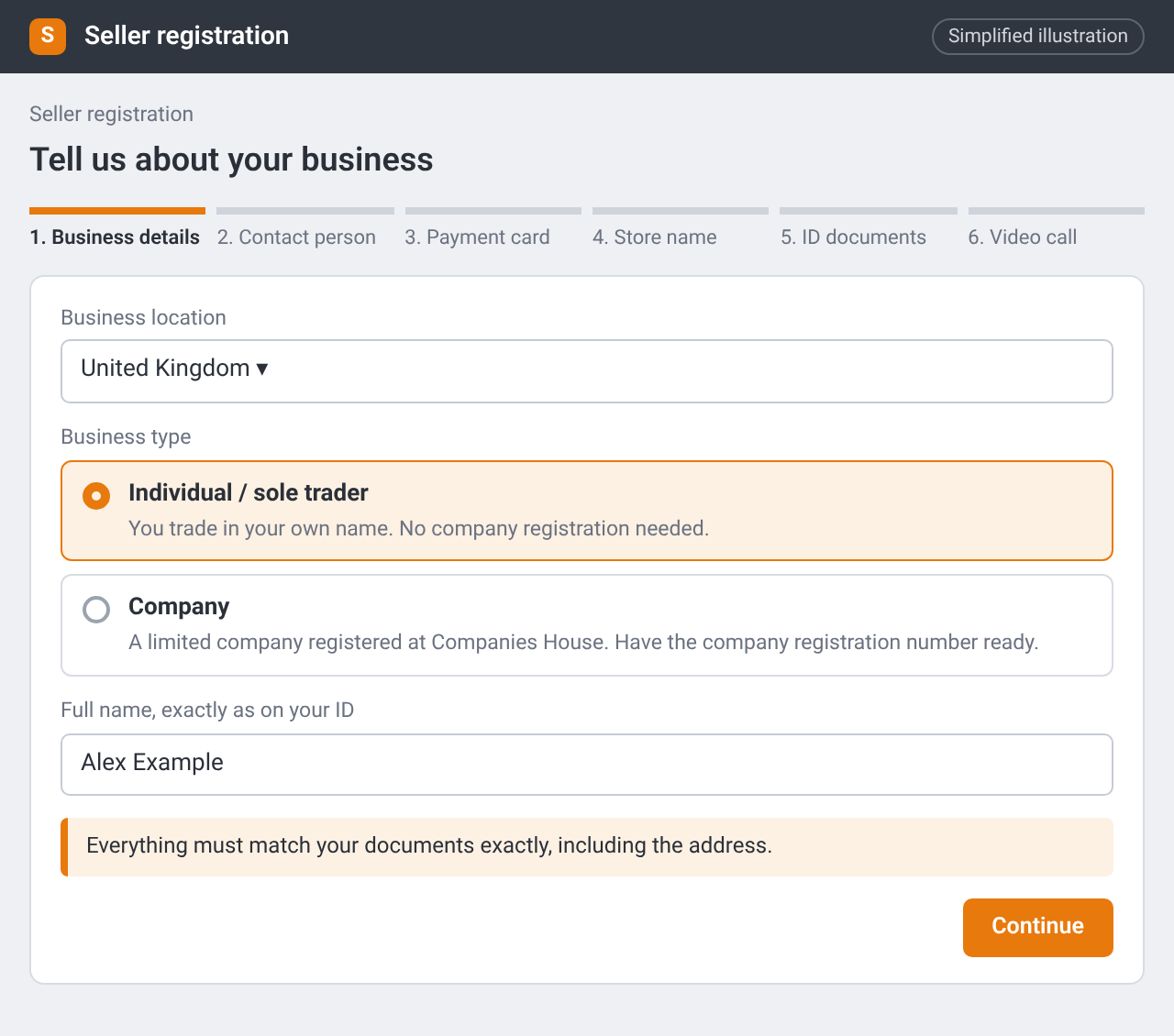
Seller registration: choosing your business type (Individual / sole trader or Company). Simplified illustration – the real screen may look different.
Screenshot coming soon
the video-verification booking screen in Seller Central, with personal details blurred.
Tips for a smooth verification
- Use documents in the same name and at the same address you entered.
- Have your original ID document to hand for the call, not a photocopy.
- Join the call somewhere quiet, with good light and a stable connection.
- If Amazon asks for more information, reply promptly with exactly what's requested.
Checklist
- Documents gathered and checked against each other
- Registration completed with matching details
- Video verification booked or completed